Your channels
Add an M3U / M3U8 link or a playlist file. Browse categories, search your channels and keep favorites close.
M3U / M3U8 iCarTV
Coming soon to the App Store
iCarTV
Coming soon to the App Store
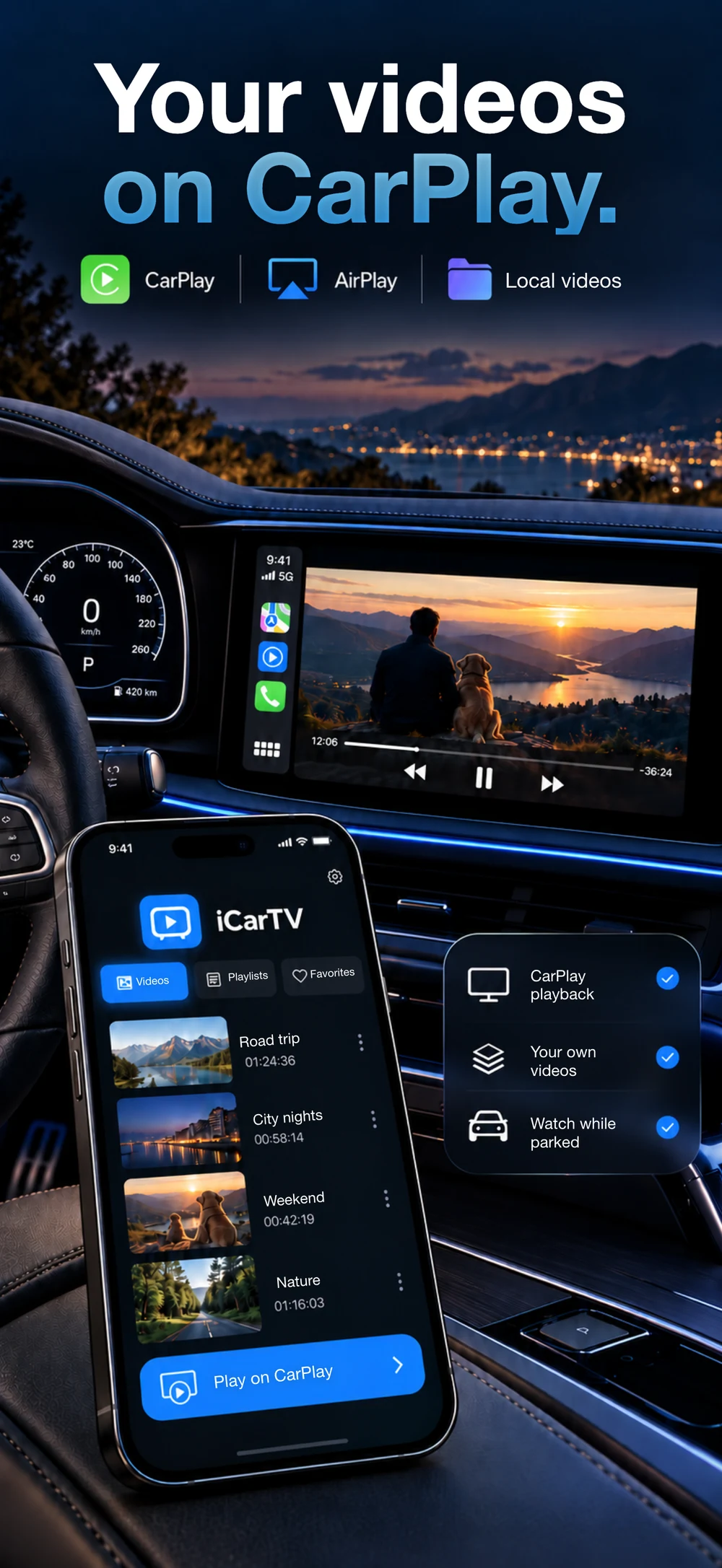
Bring your playlists and personal videos together. Watch on iPhone, send to AirPlay, or use a compatible CarPlay display while parked.
Start with your own content. iCarTV takes care of the browsing, favorites and playback.
Add an M3U / M3U8 link or a playlist file. Browse categories, search your channels and keep favorites close.
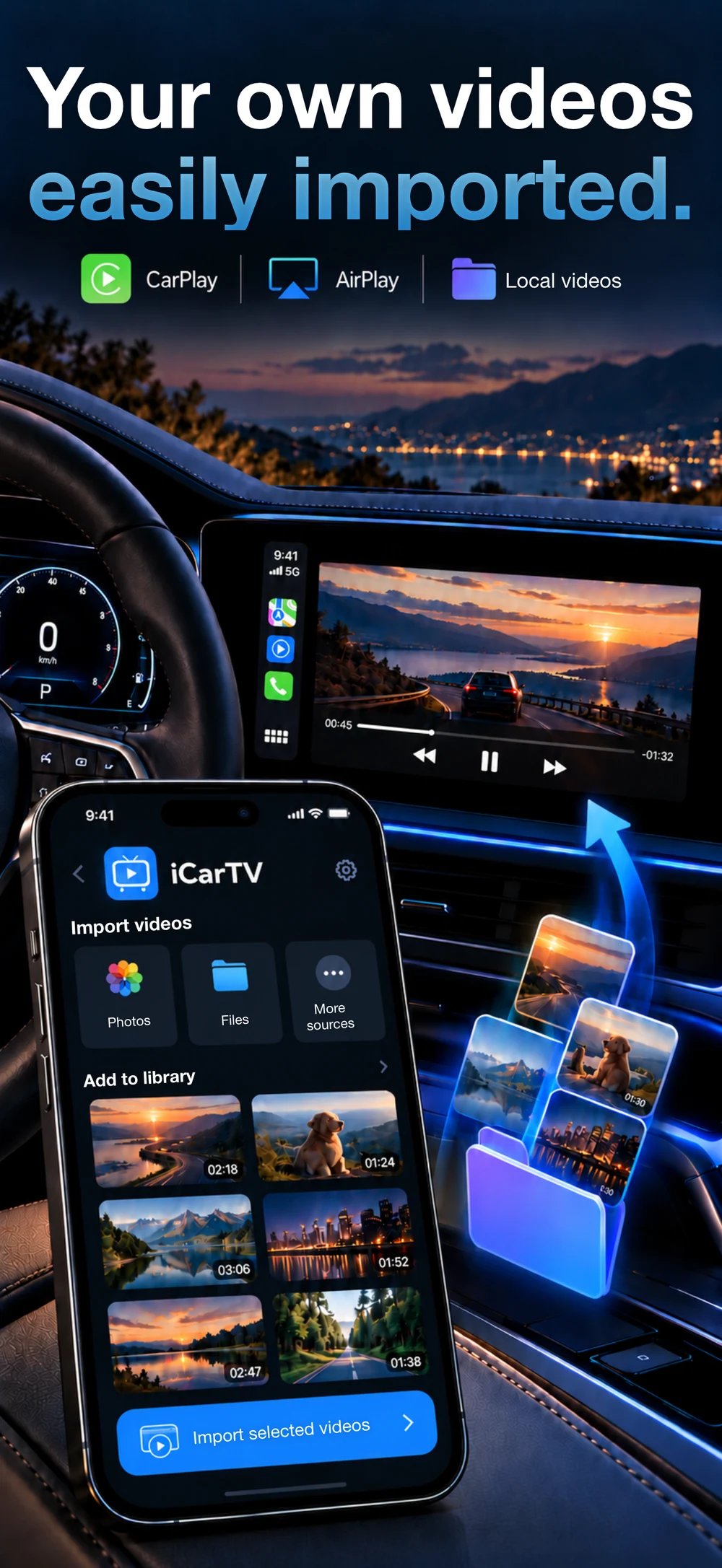
M3U / M3U8Open videos from Files or Photos. Keep personal clips and downloaded files together, ready for your next viewing break.
Keep the channels you return to within easy reach.
Browse your library and play supported content on a compatible vehicle display while parked.
Paste a playlist link or choose a file from your device.
Browse groups, search by name and find what you want to watch.

Browse your library and play supported content on a compatible vehicle display while parked.
Your own files. Your own collection.
Explore iCarTV
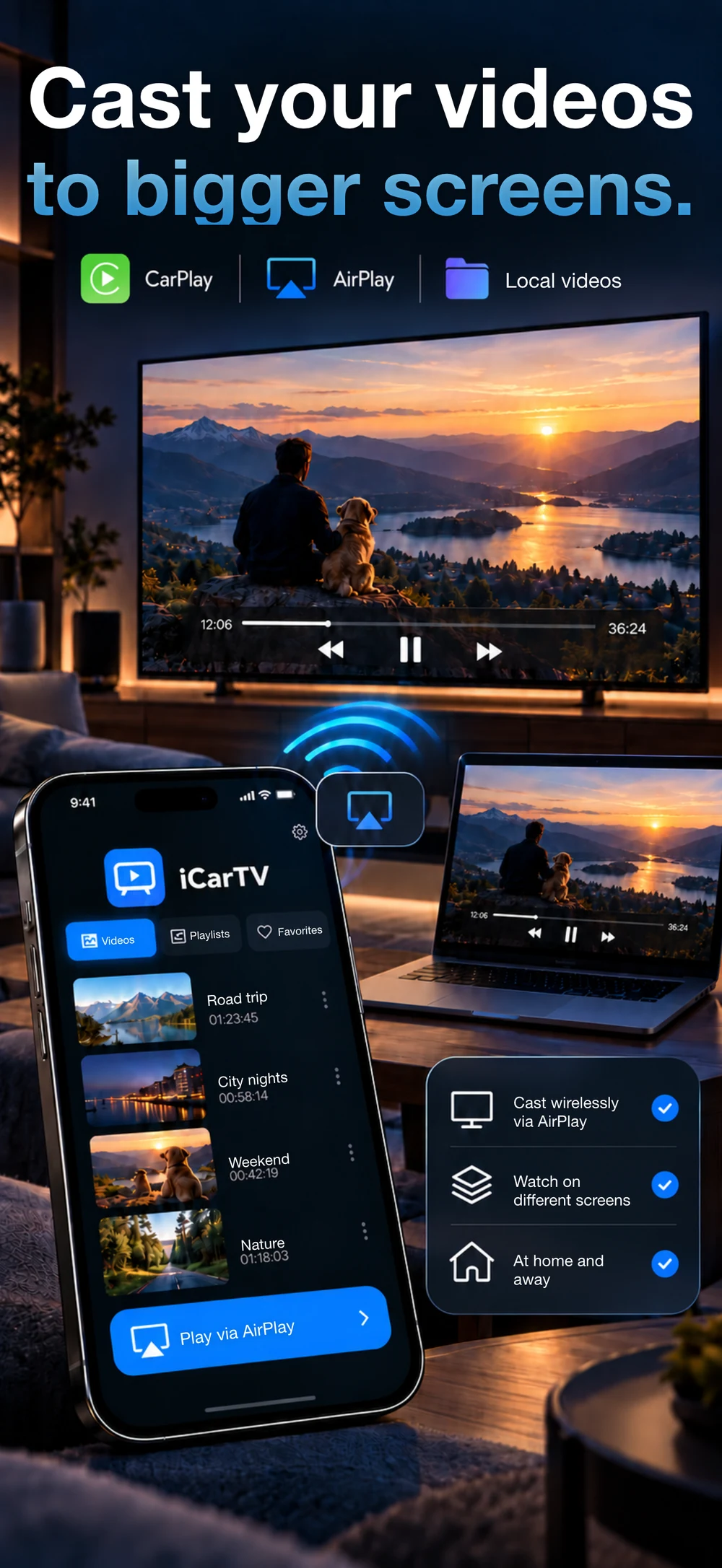
Watch on your phone or choose a compatible external screen.
Your own files. Your own collection.
Explore iCarTV
Choose an available AirPlay receiver from the player and bring supported videos to a compatible TV or Mac.
How it worksFrom your iPhone to compatible screens with CarPlay and AirPlay. Bring your own videos.
Paste a playlist link or choose a file from your device.
Browse categories and save the channels you return to.
Watch on your phone or choose a compatible external screen.
iCarTV does not provide channels, content or subscriptions.
The minimum requirement is not a guarantee for every intermediate or newer iOS version. CarPlay video availability varies by iOS version, vehicle and head unit. iOS 27 compatibility has not been confirmed. Use vehicle video only while parked.
The app follows your device language, with a manual language choice and right-to-left layout for Arabic.
Your playlists, local videos and browser, together on iPhone.